Bambu Lab X1C vs X2D: Should You Upgrade in 2026?

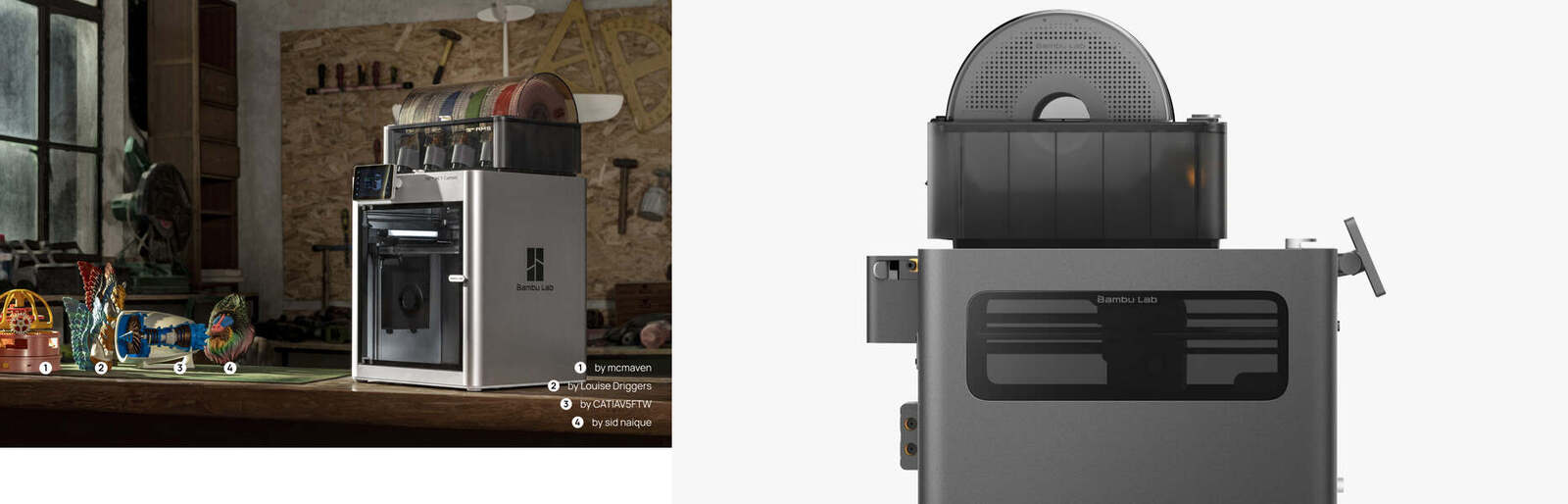
Should an X1C owner replace a working printer with an X2D? Start with the job the existing machine cannot do, not the successor label. This is a research-based buying framework, not a hands-on X2D review or a measured comparison.
Research context: the original article date is April 27, 2026. Offers, availability, support status, and exact X2D specifications have not been freshly verified here. This comparison focuses on workflow differences rather than unverified numerical specifications or historical price comparisons.

About this comparison: Juno is the site's X1C-based persona, not evidence of comparative hardware testing. Links may earn affiliate commissions. No X2D print results, reliability measurements, or resale-market survey support this article.
The Quick Answer
Keep a working X1C unless you can name a repeatable bottleneck. A second nozzle may help a compatible model/support material pair, and active chamber heating may help a temperature-sensitive job. Neither is a reason to assume every print will improve. New buyers should compare the complete, currently quoted setup against their actual materials and jobs before ordering.
X1C vs X2D: Compare the Workflow
| Decision point | X1C | X2D: what to establish before buying |
|---|---|---|
| Nozzles | Single nozzle; AMS material changes share that nozzle. | Dual-nozzle workflow: confirm which materials each nozzle and feed path support. |
| Chamber | Passive enclosure; no active chamber heater. | Active chamber heating is the proposed advantage; verify operating limits for the exact model and material. |
| Monitoring | Chamber camera and micro-lidar have different roles; the camera is not a microscope. | Check supported detection features and firmware, not an assumed failure-rate reduction. |
| Multi-color | AMS swaps require unloading, loading, and flushing a shared nozzle. | A second nozzle does not eliminate flushing when additional colors share a nozzle. |
| Price and accessories | Keep cost, repair quote, or inspected used-machine quote. | Current delivered printer price plus the exact AMS, adapters, accessories, and setup costs. |
| Unknowns | Your machine's wear and maintenance needs. | Actual job time, waste, material compatibility, and long-term reliability in your workload. |
Where a Second Nozzle Can Help
A dedicated second nozzle can keep a compatible support or support-interface material separate from the model material. That can reduce the need to flush one material out of a shared nozzle on those transitions. It is not the same as eliminating waste, priming, or every color-change delay.
Check both filament manufacturers' temperature and adhesion requirements, the printer's supported material pair, the secondary feed path, and AMS restrictions. Do not assume PVA, BVOH, flexible filament, or any arbitrary pair works just because there are two nozzles. Soluble supports also require suitable storage and post-processing.
For more than two colors: colors routed through the same nozzle still need filament changes and flushing. Compare sliced estimates for the same model, colors, support interfaces, and quality settings. Keep model material, flush discharge, prime tower, and time separate; these estimates are not measured savings.
Chamber Heat Is Not a New Material Guarantee
The X1C enclosure retains heat from the bed and hotend passively. It can already print suitable ABS, ASA, and nylon jobs with appropriate profiles and material preparation; it is misleading to say these materials are newly unlocked by the X2D.
Active chamber heating may be relevant if you have documented warping or layer-splitting on temperature-sensitive parts. First rule out wet filament, unsuitable geometry, adhesion, and profile problems. Verify the new printer's chamber controls and the filament's requirements. A heater alone does not guarantee stable dimensions, successful prints, or safe room ventilation.
Monitoring and Reliability: Keep Expectations Bounded
The X1C has a chamber camera as well as micro-lidar used for calibration and inspection functions; those are not interchangeable names. Newer extrusion sensors or detection software may add useful warnings, but feature lists do not establish how often they catch a failure or avoid a false alarm. There is no local head-to-head reliability test here.
A single-nozzle machine has fewer nozzle-switching mechanisms, but that alone does not prove it is more reliable. For either model, check replacement-part availability, service documentation, warranty terms, and the condition of the actual machine.
Upgrade Economics: Price the Whole Change
Use a current quote, not an assumed successor discount or an unsupported used-X1C price range. For a used machine, inspect a sample print, nozzle and plate condition, maintenance history, included accessories, and transfer/warranty terms. An asking price is not a realized resale value.
Hypothetical example, not a current offer: a printer costs $900 delivered, required accessories cost $150, and setup labor is valued at $100. Total cost is $1,150. If the old printer actually sells for $400 after fees, net changeover cost is $750. If you keep it, the cost remains $1,150.
If a documented support-removal bottleneck costs $30 per month and testing later shows the new workflow eliminates it, recovering $750 would take 25 months. That is conditional arithmetic, not predicted payback: include extra filament, maintenance, post-processing, downtime, and any lost capacity before deciding.
Should You Upgrade?

- Keep: your existing machine meets quality and throughput needs, or the problem is unmeasured.
- Investigate: repeated chamber-sensitive failures or costly support removal are documented, and the proposed material pair is explicitly supported.
- Compare before purchase: slice a representative job, obtain complete quotes, and look for a relevant demonstration or return policy. No automatic upgrade recommendation follows from a spec sheet.

Juno's verdict: buy a solution to a documented limitation, not a promise of universally faster multi-color printing or fewer failures.
Related reading: my X1C retirement reflection, the original X1C review, the 2026 buyer's guide, our filament guide, and our beginner accessories roundup.