Stop Buying These 7 Overpriced 3D Printer Accessories (Buy This Instead)
Quick answer
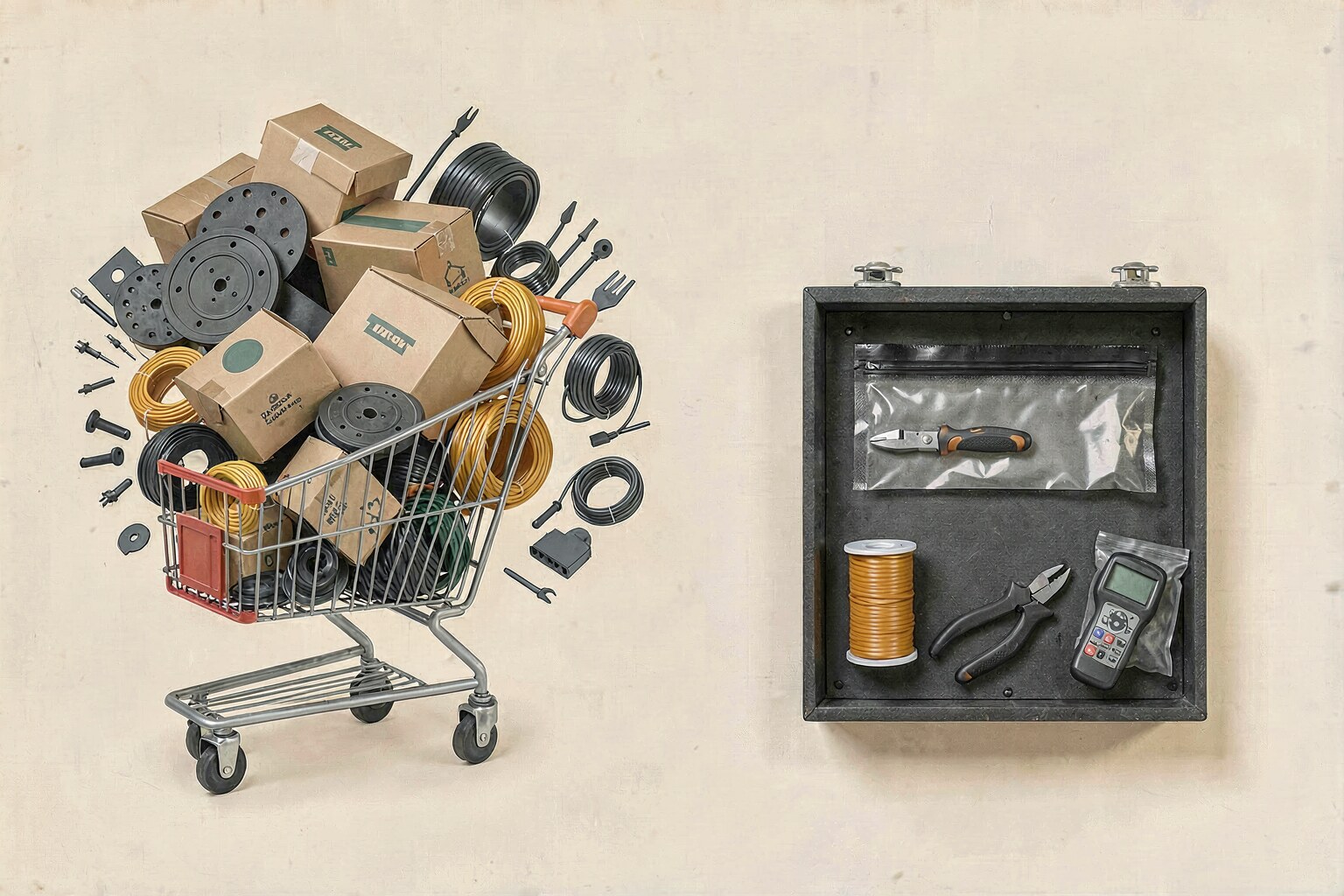
Skip the giant starter kit, backup build plate, filament dryer, enclosure, nozzle variety pack, premium filament, and novelty upgrades until you can name the problem each one solves. Start with good flush cutters, a deburring tool, digital calipers, reliable PLA, and dry filament storage. Buy the specialized gear when your printing habits actually require it.
The 3D printing accessory market has discovered the same thing every hobby market eventually discovers: beginners are wonderfully easy to frighten into buying backups.
You bought a printer. Now every shopping list says you also need a tool kit, spare build plate, filament dryer, enclosure, twelve nozzles, premium filament, and some glowing object with the word “maker” printed on it. By the time the recommendations stop, your accessory cart costs half as much as the machine.

Some of the products below are useful. That is the important nuance. A filament dryer is useful when filament is wet. An enclosure is useful for materials that shrink aggressively. A hardened nozzle is useful for abrasive filament. The waste happens when beginners are told those are day-one essentials instead of conditional tools.
This guide is built around seven common upsells and the smaller purchase I would make first. It also gives you the point at which the expensive option starts making sense, because “never buy it” is lazy advice wearing a contrarian hat.

Affiliate disclosure, without interpretive dance
This article contains affiliate links. If you buy through them, I may earn a commission. The point of this page is to shrink your cart, so yes, I am apparently trying to make affiliate money by telling you to purchase fewer things. Nobody said enterprise was dignified.
The Fast Version: What to Skip and What to Buy Instead
| Skip for now | Buy first | Upgrade when... |
|---|---|---|
| Large starter tool kit | Cutters, deburring tool, calipers | A specific repair requires another tool |
| Backup build plate | Clean and learn the included plate | You need another surface or the first is damaged |
| Filament dryer | Sealed storage plus desiccant | You have wet-filament symptoms or hygroscopic materials |
| Enclosure for PLA | Reliable PLA and a clean plate | You start printing ABS, ASA, or nylon |
| Nozzle variety pack | Use the stock 0.4 mm nozzle | You have a clear speed, detail, or abrasion need |
| Premium filament on reputation alone | One reliable mid-priced PLA or PLA+ | The premium material has a feature you need |
| Novelty upgrades | More useful filament colors | You know the upgrade changes your workflow |
1. Stop Buying the Giant Starter Tool Kit
The all-in-one starter kit is the classic beginner trap. It looks efficient: one purchase, twenty pieces, problem solved. Then it arrives with duplicate scrapers, tiny files, mystery tweezers, nozzle needles you may never use, and cutters that feel like they were sharpened by a strongly worded email.
Most print cleanup can be handled with three tools: quality flush cutters, a deburring tool, and digital calipers. The cutters remove supports and blobs. The deburring tool cleans edges and holes. The calipers tell you whether the part is wrong or your design is wrong before you print it three more times out of spite.
Buy the fourth tool when a real task demands it. That approach costs less, gives you better versions of the tools you touch every week, and avoids a drawer full of miniature metal objects whose purpose will become archaeological speculation.
Buy the kit when: you maintain several printers, regularly replace nozzles, or want a portable repair set. Otherwise, build the kit one solved problem at a time.
2. Stop Buying a Backup Build Plate on Day One
A second build plate feels like sensible insurance. In practice, many beginners buy one before learning why prints fail on the plate already installed. The replacement then develops the same adhesion problem because the actual culprit was fingerprints, the wrong plate setting, low bed temperature, or poor first-layer calibration.
Start by learning the included surface. Wash it with dish soap and warm water when adhesion falls off, avoid touching the print area, and verify the correct plate is selected in your slicer. Our first-layer troubleshooting guide walks through the failure patterns that make a perfectly good plate look guilty.
A spare plate becomes worthwhile when the original is damaged, when you want a genuinely different bottom texture, or when swapping plates helps you keep production moving while one part cools. That is a workflow upgrade. Buying the same surface immediately because the internet said “spares are good” is just prepaid clutter.

3. Stop Buying a Filament Dryer Before You Have Wet Filament
Filament dryers solve a real problem. They are also recommended so reflexively that beginners can come away believing every spool requires an appliance humming beside it.
If you mainly print PLA, finish spools reasonably quickly, and do not hear popping or see unexplained stringing and rough surfaces, start with storage. A vacuum sealer kit and desiccant packs slow moisture absorption between prints and cost less than building a small climate-control program for four spools.
Important distinction: storage keeps dry filament dry. It does not reliably remove moisture from filament that is already wet. Buy a dryer when you see moisture symptoms, live in a humid climate, keep opened spools for months, or move into PETG, TPU, nylon, PVA, and other materials that punish casual storage. That is when the appliance earns the bench space.
If stringing is the symptom that sent you shopping, check the PETG stringing guide first. Temperature, retraction, travel, and wet filament can produce similar-looking messes. Diagnose before adding hardware.
4. Stop Buying an Enclosure for a PLA-Only Printer
An enclosure is not a universal quality upgrade. For PLA, trapping heat can create its own problems, especially on long prints where the chamber warms enough to soften filament before it reaches the hotend or reduce cooling performance.
If you are fighting PLA warping, spend first on the boring fixes: clean the build plate, confirm the first layer, use the correct bed temperature, remove room drafts, and choose a reliable spool such as Overture PLA+. The full sequence is in our guide to why 3D prints warp and what actually fixes it.
Buy the enclosure when you start printing ABS, ASA, nylon, or another material that benefits from a stable warm environment. Also think about ventilation; an enclosure controls temperature, but it does not magically make fumes cease to exist. Specialized material creates specialized requirements. Very rude of physics, but there it is.
Better first purchase: reliable filament and ten minutes spent fixing the first layer. Neither looks as impressive in a setup photo. Both improve more PLA prints.
5. Stop Buying a Nozzle Variety Pack “Just in Case”
Nozzle packs are sold like socket sets: surely more sizes mean more capability. Technically, yes. Practically, the stock 0.4 mm nozzle is the default because it balances detail, speed, reliability, and profile support extremely well.
A 0.2 mm nozzle is useful for tiny text, miniatures, and unusually fine detail. A 0.6 or 0.8 mm nozzle can improve throughput on large parts. Hardened steel matters for abrasive materials such as carbon-fiber, glass-fiber, glow, and some wood-filled filaments. None of those benefits appear merely because eight brass nozzles are sitting in a plastic case.
Keep using the stock nozzle until you can finish this sentence: “I need a different nozzle because ____.” If the blank is abrasive filament, buy one compatible hardened steel 0.4 mm nozzle. If the blank is speed or fine detail, buy the one size required and use a matching slicer profile.
Our Bambu maintenance and nozzle guide covers when each upgrade starts paying for itself.
6. Stop Paying Premium Prices for Filament You Have Not Tested
Premium filament can offer tighter dimensional consistency, better color matching, specialty finishes, manufacturer profiles, and stronger quality control. Those are real benefits. The mistake is treating the price tag itself as a quality setting.
Start with one dependable, mid-priced PLA or PLA+ and learn what good results look like on your machine. Overture PLA+ is the sort of sane baseline I mean: widely used, easy to replace, and not priced like the spool attended graduate school.
Then pay more for a reason: a specific matte finish, a silk effect, exact repeatable color, higher heat resistance, better layer adhesion, or an integrated RFID/profile workflow you value. Our Bambu filament buying guide separates those use cases instead of ranking spools by packaging confidence.

7. Stop Buying Novelty Upgrades Before Consumables
The final category is everything that makes the setup look more advanced without making your work more capable: decorative lighting, novelty tool holders, a 3D pen you did not previously want, branded desk ornaments, and upgrades purchased mainly because another printer owner posted a dramatic unboxing.
Spend that money on experiments you will actually print. A filament variety pack gives you new colors and finishes without committing to several full spools. It creates projects, tests your settings, and tells you what material you might buy next. Consumables are not glamorous, but they are the part that becomes objects.
There is one expensive exception: a multi-material system can change your workflow if you regularly print multiple colors, use support interfaces, or run several spools without manual swaps. But buy that because you need those capabilities, not because the printer looks lonely without a plastic box sitting on top.
What I Would Put in a Beginner Cart
If I were setting up a new printer today, the accessory cart would be almost suspiciously small:
- One pair of flush cutters.
- One deburring tool.
- Digital calipers if I plan to make functional parts.
- One reliable spool of PLA or PLA+.
- Sealed storage and desiccant for opened filament.
That is enough to print, clean parts, check fit, and protect consumables. Everything else should arrive in response to experience: a dryer after moisture trouble, an enclosure after material changes, a hardened nozzle after abrasive filament, and a second plate after the first plate creates an actual bottleneck.
If you want the positive version of this list, the beginner accessory guide ranks the tools that do earn their keep.
Frequently Asked Questions
What is the first 3D printer accessory I should buy?
Buy flush cutters first if your printer did not include a decent pair. They handle support cleanup, brims, and small defects on almost every type of print. A deburring tool is the next useful addition.
Do beginners need a filament dryer?
Not automatically. Beginners printing PLA can often start with sealed storage and desiccant. A dryer becomes useful when filament shows moisture symptoms, when opened spools sit for long periods, or when you print moisture-sensitive materials such as nylon, TPU, PVA, and often PETG.
Should I buy a spare build plate?
Buy one when your current plate is damaged, you want a different surface texture, or swapping plates improves your workflow. Do not use a replacement plate as the first response to adhesion problems; clean and diagnose the existing surface first.
Is an enclosure worth it for PLA?
Usually not as a first upgrade. PLA generally prints well without a heated enclosure. Enclosures become much more valuable for ABS, ASA, nylon, and other materials that warp or crack when temperatures fluctuate.
Are expensive 3D printer accessories always a waste?
No. Expensive gear is wasteful when it solves no current problem. The same product can be unnecessary for a beginner and indispensable for a production workflow. Buy based on the job, material, or failure mode—not the length of someone else's shopping list.
Bottom Line
Related Posts
Buying Guides
How Much Does Multi-Color Actually Cost? (AMS, Purge Waste, and the H2C That ...
Multi-color 3D printing looks magic on camera and expensive on the filament scale. A real breakdown of what AMS purge waste, spools, and the new H2C Vortek hotend swap actually cost per print, and where the money is quietly going.
2026-09-21Buying Guides
Best Filament Storage Solutions: Keep Your Spools Dry Without Wasting Money
The filament storage solutions that actually prevent warping, stringing, and failed prints, ranked by what matters for your setup.
2026-07-13Buying Guides
Best Filament for Bambu Lab X1C, P1S, and A1 in 2026
Which filament to buy for Bambu Lab X1C, P1S, and A1 printers in 2026. Ranked by what we actually print with, what works, and what is worth the extra cost.
2026-05-18This page may contain affiliate links. As an Amazon Associate I earn from qualifying purchases.