How Much Does Multi-Color Actually Cost? (AMS, Purge Waste, and the H2C That Ends the Argument)
Quick answer
Multi-color on an AMS is not one cost, it is three: the spools, the purge waste, and the time. For most people the purge tower is the biggest hidden line item, and the new H2C Vortek hotend-swap architecture is the first Bambu design that removes it almost entirely, which is what makes multi-color finally make sense for more than one print.
You see the multi-color print. A hundred beads of color, a seamless gradient, a figure that looks like it came out of a machine rather than a hand. It takes ninety seconds to make you want one.
Then you do the math, and the math is the part nobody in the render shows you. Multi-color printing is not one cost. It is three costs stacked on top of each other, and the second one is the one that quietly eats your filament budget.

The Three Costs, In Order of How Much They Surprise People
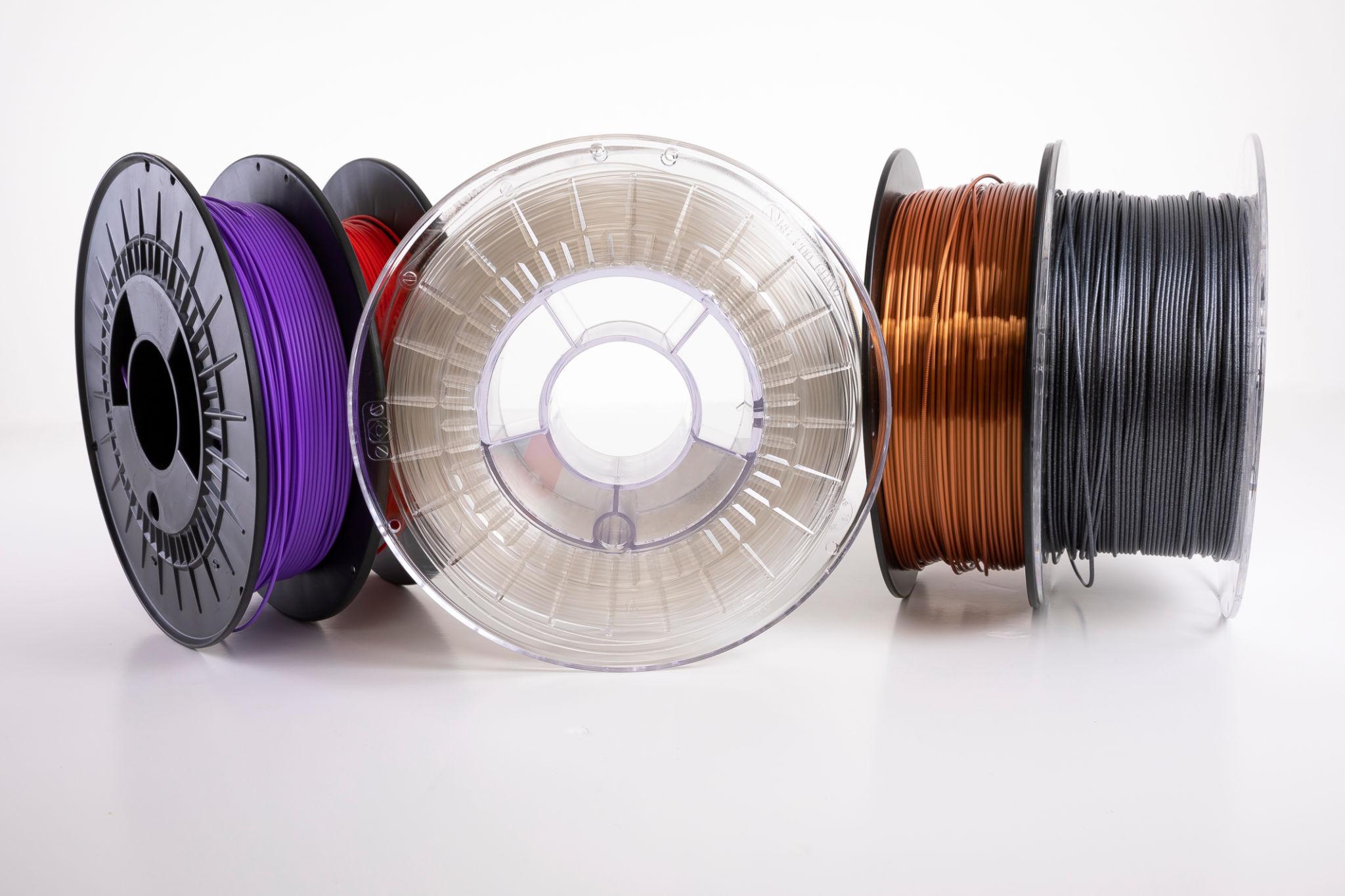
Start with the one that is easiest to control. Spools. Multi-color is not more expensive per gram than single-color, it is more spools at once. A four-color print might touch four different spools, and a ten-color figure might not finish without a full AMS. You are not buying premium material, you are buying inventory. The fix is boring: buy the colors you actually print, in the finish you actually use, and stop treating every pastel in the rack as a possibility.
The second cost is the one that stings. Purge waste. In a standard single-nozzle AMS setup, every time the head changes color it has to push the old filament out of the nozzle before the new one comes in. That pushed-out material is the purge tower, the ugly lattice of plastic hanging off the side of your print that you chop off and throw away. On a busy multi-color model that tower can be hundreds of grams of good filament, gone, doing nothing.
The third cost is time. More swaps means more pauses, more chance of a string, more reprints. Time is the one you only feel after you have printed the same model three times and it is still not the print you wanted.
Why the Purge Tower Is the Real Price
This is the part that should change how you think about multi-color. The tower is not a defect, it is the design. A single nozzle cannot hold two colors at once, so it pays for every swap in material. The more colors a model uses, the more swaps, the more tower. A simple two-tone part is manageable. A figure in twelve colors is a filament shredder with a personality.

The number that matters
On a complex multi-color print, a conventional setup can burn three hundred grams of filament into a purge tower. That is not a rounding error. That is a failed print you are throwing into the recycling bin while telling yourself it was an experiment.
So here is the honest trade. On an X1C or P1S with an AMS, multi-color is cheap to start and expensive to finish. The AMS Lite makes it accessible. The purge tower is the tax you pay for every extra color. Some prints are worth it. Most hobby prints are not.
The H2C and Why It Changes the Answer
Bambu Lab's H2C is the first machine in this lineup that attacks the tax directly, and it does it by refusing to pay it at all. Instead of one nozzle that swaps colors by purging, the H2C uses the Vortek system: a rack of swappable hotends that the machine physically swaps when it changes material. One hotend for each color, a fixed nozzle for the base, and material changes that happen by moving a whole hotend, not by melting a column of plastic out of the way.
The result is the one that makes the whole post make sense. Reviews put the purge waste on a comparable complex print in the range of under one hundred thirty grams on the H2C, against roughly three hundred on a conventional setup. That is not a small improvement, that is the hidden cost basically disappearing. Add the dedicated material paths, the active chamber, and the option to run a soluble support material on a second head, and the H2C stops being a multi-color toy and starts being a production machine.

Why this is the money paragraph
The H2C is the first time "multi-color is too wasteful to do casually" stops being true. If you print multi-color more than once a month, the waste savings alone start to justify the hardware. That is the whole business case, and it is the reason this post exists.
Now the price, because I would be doing you a disservice if I did not. The H2C is a high-end machine. The standard combo sits in the two thousand dollar neighborhood, and the laser upgrade pushes it higher. It is not a weekend purchase, it is a decision. But the decision is no longer "is multi-color too wasteful to be worth it," it is "do I print enough multi-color to earn back the waste I used to throw away."
What I Would Actually Buy, By Situation
| If you are... | Buy this | Skip this |
|---|---|---|
| Printing mostly single-color | One good spool, a reliable finish | An AMS you will not use |
| Testing multi-color once in a while | AMS Lite on an X1C or P1S | A rack of ten spools |
| Printing multi-color every week | H2C, or an AMS 2 setup | Throwing purge towers away |
| Mixing materials in one print | A dual-head setup, H2D territory | A single head doing both |
The filament itself is the easy part. A reliable PLA or a matte finish for a cleaner surface, and a silk spool when a print deserves the shine. Keep them dry, because wet multi-color is where stringing and popping turn a great print into a failed one. A vacuum sealer and desiccant packs are the cheapest insurance in the whole hobby.
And one more thing before you buy a single extra spool. Multi-color waste is not the only waste in your workflow. If your prints are warping or stringing, you are throwing away filament for reasons that have nothing to do with color. Fix those first. It is in the guide to why prints warp and what actually fixes it and the PETG stringing breakdown. Clean up the basics, then spend the money on color.
This page may contain affiliate links. As an Amazon Associate I earn from qualifying purchases.